The "Un-AI" Process: Refining Generated Assets
AI gets you 80% of the way there. This guide teaches you the "last mile" editing techniques that separate professional designers from prompt engineers. A masterclass in vector surgery.
Icora Team
Education
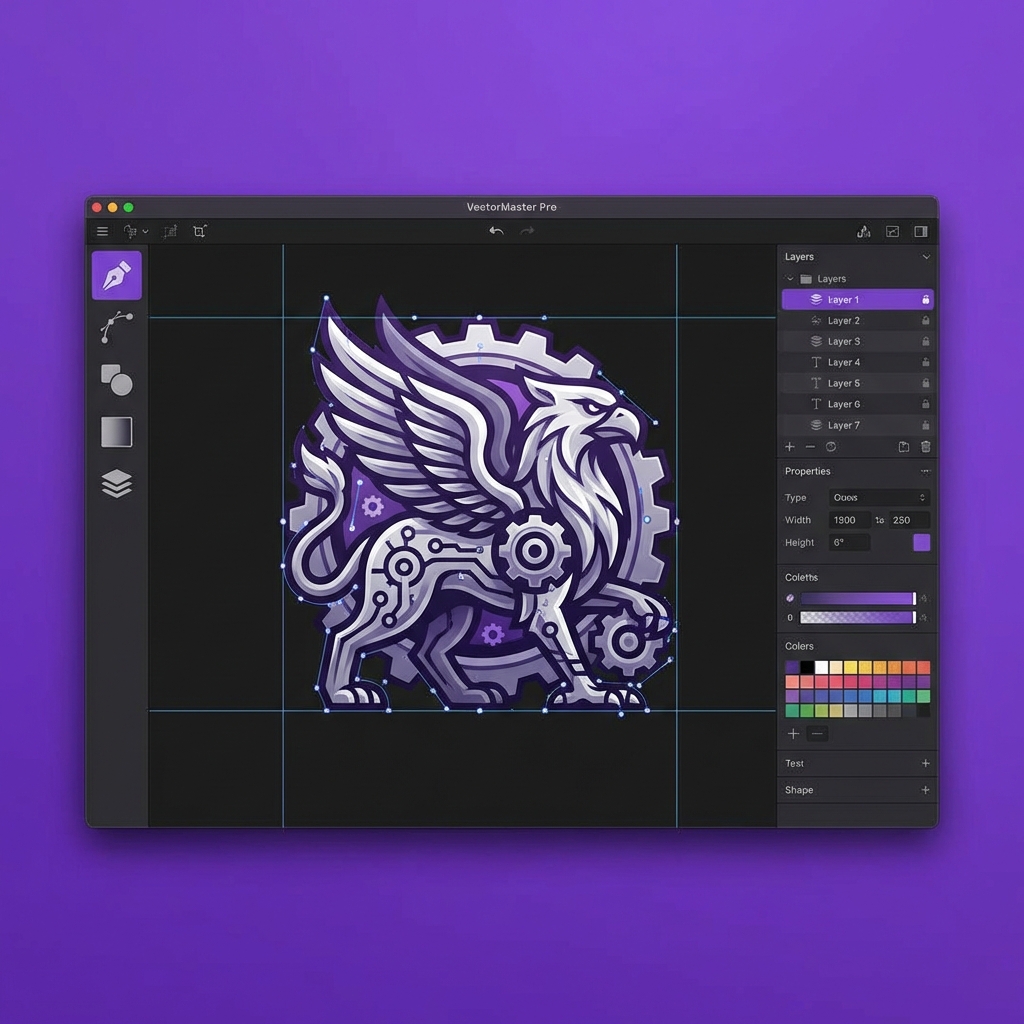
Here is a secret: No AI model produces perfect vectors every time. There is always a stray node. There is always a curve that is slightly wonky. The difference between a "good enough" icon and a great one is 3 minutes of manual cleanup. This post is your manual for that 3 minutes.
The Surgeon's Toolkit
In the Icora Studio, you have three primary tools. Think of them like a surgeon's scalpel, clamp, and suture.
The Node Tool
Your scalpel. Use it to delete extra points. The fewer points you have, the smoother your curve will be.
The Alignment Bar
Your clamp. Select three points that look like a line and hit "Align Vertical". Now they ARE a line.
Boolean Operations
Your sutures. Combine primitive shapes to mask errors or build complex forms cleanly.
Removing Noise
Delete stray paths or tiny artifacts often left behind by vectorization.
The "Node Removal" Algorithm (For Humans)
When optimizing a curve, follow this loop:
- 1. Find a node that sits on a curve (not an inflection point/corner).
- 2. Delete it.
- 3. Did the shape change significantly?
- 4. No? Good, keep it deleted.
- 5. Yes? Undo, and adjust the handles of the neighbors instead.
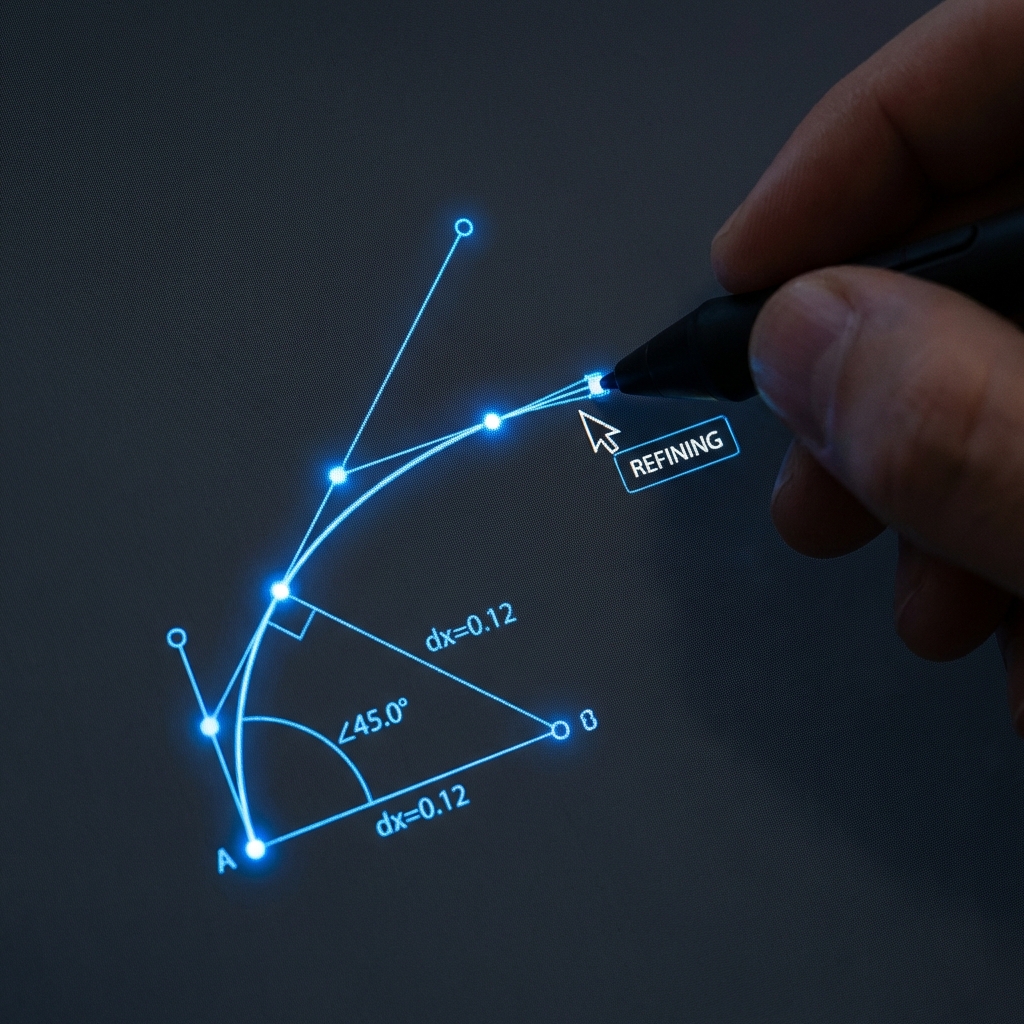
You will be plagued by "Phantom Nodes"-points that exist for no reason, adding file size and making the line jagged. Be ruthless. A perfect circle only needs 4 nodes.
Pixel Snapping
Always enable "Snap to Pixel" or "Snap to Grid". If a node is at position `10.02`, it will look blurry on a standard screen because the computer tries to anti-alias that 0.02 pixels. Move it to `10.00`. Crisp edges are built on integers.
Don't settle for the raw output. Be the director, not just the cameraman. Your users eyes will thank you.
Try Icora FreeFound this helpful? Share it!
Ready to Create Stunning Icons?
Put these principles into practice with Icora's AI-powered icon generator, professional studio tools, and developer-ready export.
Start Creating Free