The Great AI Icon Showdown: Usage, Not Just Aesthetics
We spent a week trying to ship a real product using only AI-generated icons. The results changed our entire workflow. An in-depth analysis of output quality, production readiness, and hidden costs.
Icora Team
Product Research
It started with a simple challenge: build a complete dashboard interface for a fictional fintech app, "Vault," in 48 hours. The catch? Every single icon had to be generated by AI. No Feather, no Font Awesome, no manual drawing from scratch. We wanted to answer the burning question: Is AI finally ready to replace the manual iconographer?
We thought it would be easy. We were wrong. This experiment revealed a harsh truth about the current state of AI design tools: there is a massive gap between "pretty images" and "production assets." The prompt usually returns a beautiful dream, but the export button delivers a nightmare.
The "Raster Trap": Why Resolution Matters
Our first stop was Midjourney. We typed `/imagine prompt: minimal vector icon of a credit card, flat style, blue and white`. The result was breathtaking. A gorgeous, textured, slightly 3D credit card with beautiful lighting. It looked like a Dribbble shot that would get 5,000 likes.
The Broken Reality
But then we tried to use it. It was a PNG. A flat, rasterized image. When we scaled it down to 24x24px for the navigation bar, it turned into a blurry smudge. When we tried to change the color to match our brand purple, we had to open Photoshop and mess with hue sliders. Midjourney is an incredible artist, but it is not a UI designer. It gives you a painting of an icon, not the icon itself.
// What we wanted:
<svg fill="currentColor" ... />

// What we got:
<img src="icon-v4-upscaled.png" />
1. Midjourney: The Artist
Midjourney excels at "Iconography as Illustration." If you need a large, detailed icon for a landing page feature section-where the icon is effectively the hero image-it is unbeatable. But for functional UI components?
Pro Tip
Use Midjourney for inspiration. Generate 100 variations, find the shape language you like, and then redraw it manually or use a vectorizer. Do not ship the raw output.
2. The Vector Solution: Icora
This is where we had to pivot. We needed vectors-mathematical descriptions of shapes that scale infinitely. We loaded up Icora. The experience was different. Less "magic art box," more "design assistant."
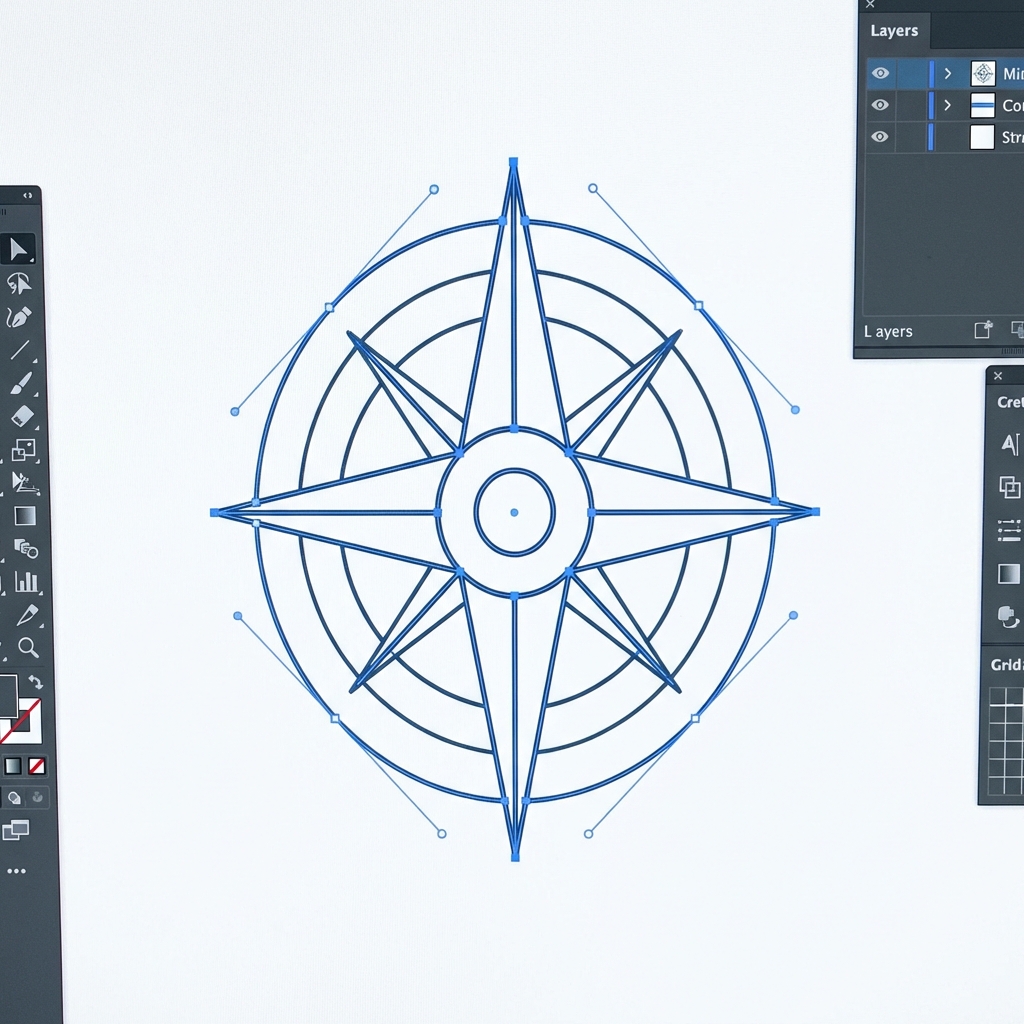
We typed a similar prompt. The output wasn't as hyper-realistic as Midjourney, but it was *clean*. We could click "Export code" and drop a React component straight into our codebase. We could drag a bezier handle and change the curve of the card.
Prompt Engineering for Icons
We learned that prompting for icons requires specific vocabulary. Here is the formula that worked best across all tools:
Subject + Style + geometric constraint + "white background" + "vector style"

Example: "Credit card, minimalist line art, 2px stroke weight, rounded corners, flat, white background, SVG style"
Cost Analysis: Hidden Fees
Free tools often cost you in time. Paid tools cost straight cash. Here is the breakdown of what it actually costs to build a set of 50 icons.
| Tool | Subscription | Time per Icon | Est. Cost per Set |
|---|---|---|---|
| Icora | $0 (Free Tier) | 2 mins | $0 (+ time) |
| Midjourney | $10-$30/mo | 10 mins (vectorizing) | $10 + 8 hours labor |
| DALL-E 3 | $20/mo | 15 mins (fixing) | $20 + 12 hours labor |
| Fiverr Artist | N/A | 3-5 days | $200 - $500 |
True Vector
Generates actual SVG paths, not embedded images.
Code Export
Copy React, Vue, or raw SVG code directly.
Integrated Editor
Fix curves and adjust nodes immediately after generation.
Collections
Maintain consistent sets in a unified workspace.
The Verdict
If you want to make art, use Midjourney. If you want to build software, you need a tool that speaks the language of software: SVG, Paths, and Code. The "Raster Trap" is real, and the only way out is a dedicated vector generation pipeline.
Found this helpful? Share it!
Ready to Create Stunning Icons?
Put these principles into practice with Icora's AI-powered icon generator, professional studio tools, and developer-ready export.
Start Creating Free