The Case of the Heavy Icon: A Detective Story
We investigate how a seemingly simple 300-byte icon ballooned into a performance nightmare, and the forensic techniques we used to slim it down.
Icora Team
Engineering
The report came in from the performance monitoring team: "Homescreen LCP (Largest Contentful Paint) has degraded by 400ms." We opened the network tab. There it was. `logo-animated.svg`. Size: 1.2MB. It was taking longer to load than the entire React runtime.
How? It was just a logo. A few shapes. Even uncompressed, it should have been 5KB max. We decided to perform an autopsy.
The Autopsy: Forensic Analysis
We opened the file in a text editor (not a browser). The horror revealed itself. It wasn't just path data. It was thousands of lines of base64 encoded png data. It was custom font definitions. It was Adobe Illustrator metadata describing the printer settings of the designer's office. It contained the entire color history of the document.
<!-- REMOVE: Editor metadata -->
<?xml version="1.0" encoding="UTF-8"?>
<!-- Generator: Adobe Illustrator 26.0.0 -->
<metadata>
  <rdf:RDF xmlns:rdf="...">
    <cc:Work rdf:about="">...</cc:Work>
  </rdf:RDF>
</metadata>
<sodipodi:namedview inkscape:...>...</sodipodi:namedview>
Browser doesn't care about your printer settings. But it still has to download, parse, and discard them. This is the silent killer of web performance.
GZIP vs Brotli for SVG
SVGs are text files (XML). This means they compress incredibly well. However, basic GZIP often misses patterns in coordinate data. Brotli, the modern compression standard, can often shave another 15-20% off because it is better at recognizing the repetitive numerical patterns found in path data (`M 10 10 L 20 20...`).
The Clean Up Protocol
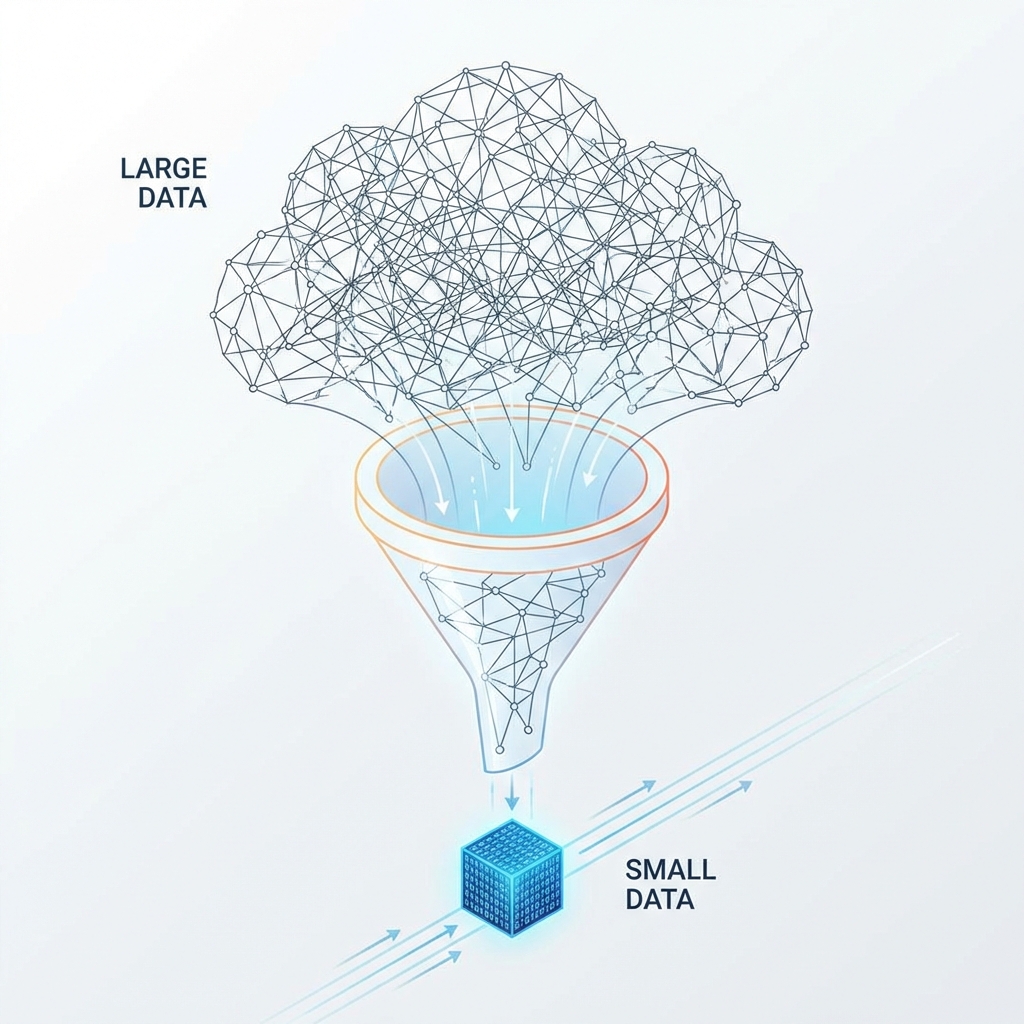
We ran the file through our optimization process. First, we stripped the metadata. That saved 400KB instantly. Then we merged the paths. The logo had been built with hundreds of tiny overlapping shapes instead of a single compound path.
- Step 1: Open in Editor. visually check for "junk" tags.
- Step 2: SVGO Pipeline. Run standard plugins (removeTitle, removeDesc, removeDimensions).
- Step 3: Path Merging. Combine shapes with identical fills.
- Step 4: Precision Tuning. Reduce decimals from 6 to 2 places.
| Metric | Unoptimized | Optimized | Impact |
|---|---|---|---|
| Single icon size | 4.2 KB | 0.4 KB | 90% smaller |
| Icon set (50 icons) | 210 KB | 20 KB | 190 KB saved |
| Load time (3G) | 850ms | 85ms | 10x faster |
| Annual bandwidth (1M views) | 200 GB | 19 GB | $180 saved |
Path Simplification
Bezier curve simplification that reduces points while maintaining visual fidelity. Configurable tolerance.
Smart Precision
Decimal precision automatically tuned based on icon size. Smaller icons need less precision.
Layer Flattening
Groups and transforms are collapsed into final coordinates. Simpler DOM structure.
Color Optimization
Duplicate colors consolidated. Hex shortening (#FFF vs #FFFFFF). currentColor support.
Always open your SVGs in a code editor. If you see anything you can't read, your users shouldn't be downloading it.
Try Icora FreeFound this helpful? Share it!
Ready to Create Stunning Icons?
Put these principles into practice with Icora's AI-powered icon generator, professional studio tools, and developer-ready export.
Start Creating Free