Decoding the Dot: The Science Behind Iconography
Why do we see a square when there are only four corner angles? A deep dive into Gestalt principles and how they apply to modern icon design.
Icora Team
Research
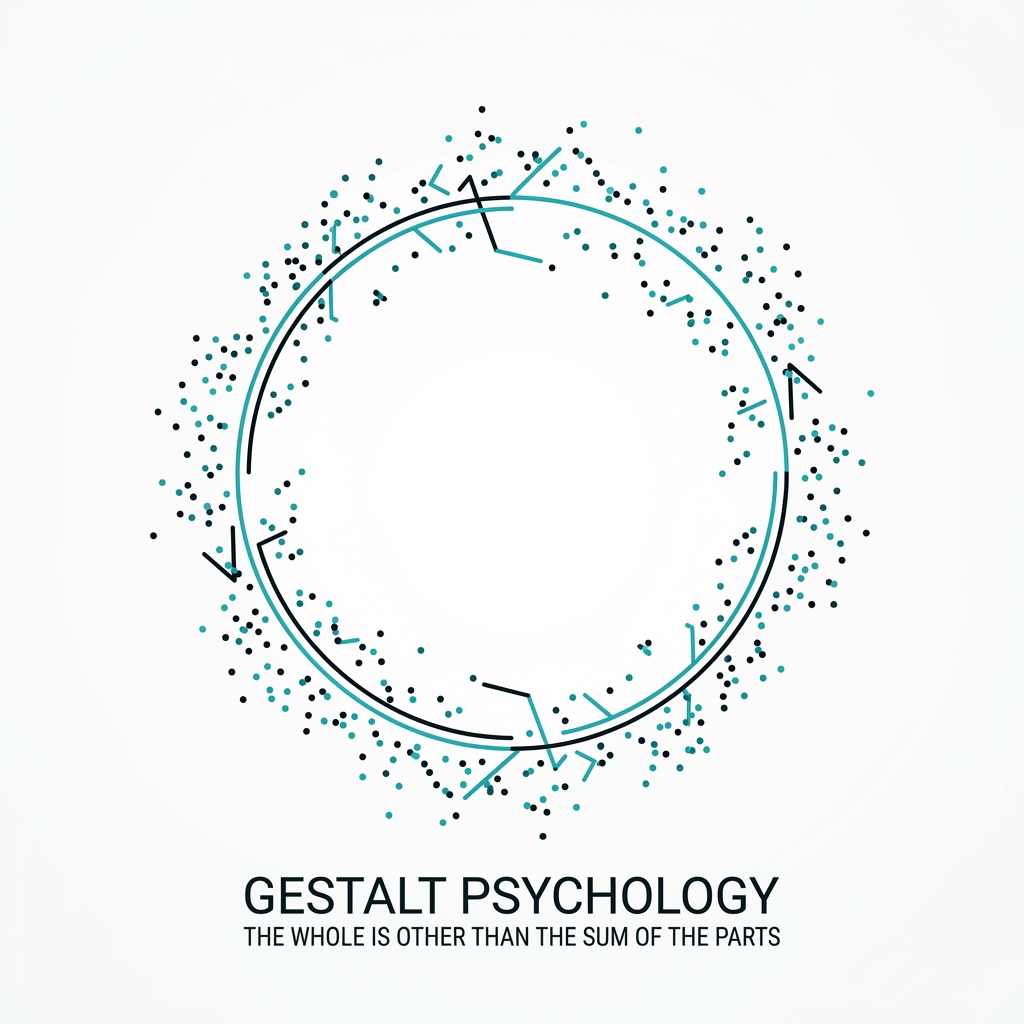
Good icon design feels "right" instinctively. But this instinct is actually rooted in cognitive psychology, specifically the Gestalt principles. These laws describe how humans group similar elements, recognize patterns, and simplify complex images.
Understanding these rules allows you to hack the visual cortex, creating icons that are readable even at 16x16 pixels. Let's decode the science.
1. Closure: The Art of the Invisible
The principle of Closure states that the mind fills in missing information to create a complete image. We hate chaos; we constantly seek whole forms. This is the secret behind minimalist "outline" and "broken stroke" icons.
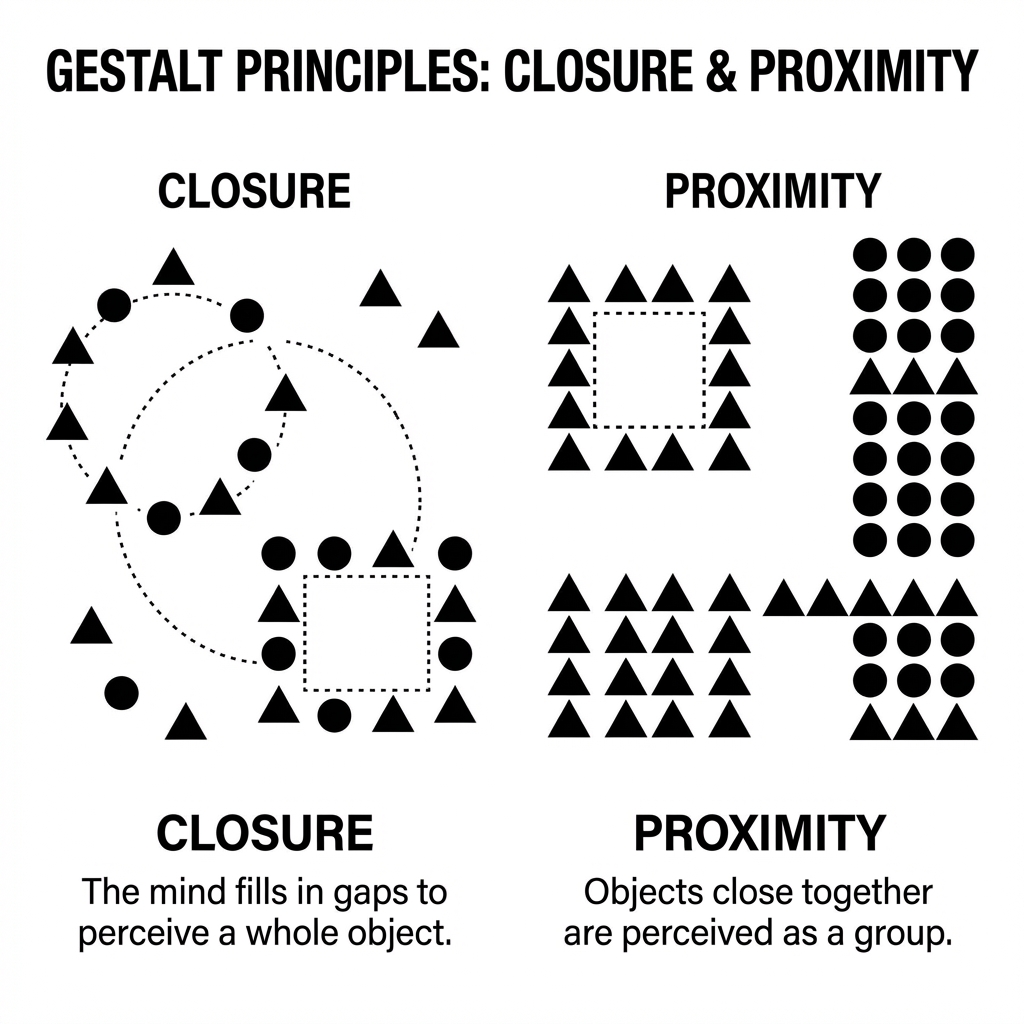
You don't need to draw every brick of a house. A triangle floating above a square is enough. Your brain supplies the walls. In fact, removing lines can often make an icon *more* legible at small sizes by reducing visual noise. The lesson: Draw as little as possible to trigger the recognition. Example: The IBM logo is just horizontal lines, but we read "IBM".
2. Proximity: Defining Relationships
The principle of Proximity states that elements that are close together are perceived as being more related than elements that are further apart. In icon design, this dictates the internal spacing (kerning) of your icon.
Consider a "User Profile" icon-a circle (head) and a semi-circle (body). If the head hovers too far above the body, the brain sees two separate objects: a dot and an arc. Move them closer, and suddenly they snap together into a meaningful whole: a Person.
3. Similarity: The Law of Consistency
This fits perfectly with our previous post on consistency. Humans perceive objects with shared visual characteristics as being related.
Pro Tip
If your "Save" icon is solid and filled, but your "Cancel" icon is a thin outline, the user instinctively categorizes them as different *types* of functions. One feels like a button, the other like a decoration. Consistency isn't just aesthetic; it's functional taxonomy.
4. Continuity: Leading the Eye
Our eyes naturally follow lines and curves. Effective icons use this to direct movement. An arrow icon shouldn't just point right; its curves should flow in a way that creates a sense of momentum. When designing icons, ensure your curves connect logically and don't create jarring, "stop-start" visual paths.
Found this helpful? Share it!
Ready to Create Stunning Icons?
Put these principles into practice with Icora's AI-powered icon generator, professional studio tools, and developer-ready export.
Start Creating Free