Mastering Icon Prompts
How to write descriptive prompts that generate exactly what you envision.
Icora Design
Education
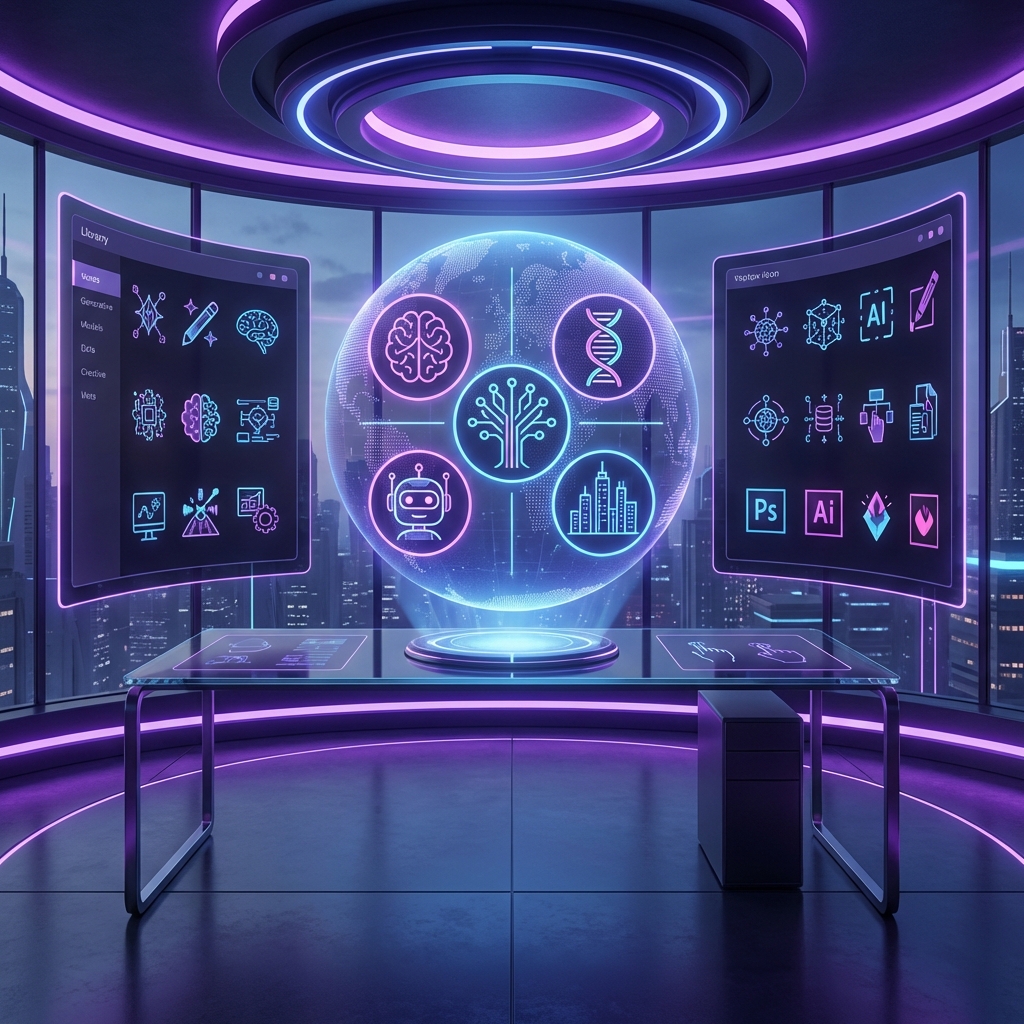
Getting the perfect icon from AI is an art. It requires understanding how the model interprets subject, style, and composition.
The Anatomy of a Prompt
A great prompt usually follows this structure: **Subject + Style + Composition + Modifiers**.
Subject
What is the main object? Be specific (e.g., "robotic arm gripping a gear").
Style
The artistic direction (e.g., "minimalist line art", "flat design", "isometric 3D").
Composition
Viewpoint and framing (e.g., "centered", "close-up", "isometric view").
Modifiers
Adjectives for quality (e.g., "high contrast", "vector style", "simple shapes").
Style Keywords
- **Line Art**: "Continuous line", "monoline", "thin stroke", "minimalist"
- **Flat**: "Flat design", "no gradients", "solid colors", "material design"
- **3D**: "Isometric", "claymorphism", "soft lighting", "3D render"
Found this helpful? Share it!
Ready to Create Stunning Icons?
Put these principles into practice with Icora's AI-powered icon generator, professional studio tools, and developer-ready export.
Start Creating Free