Technical6 min readJanuary 31, 2025
Local vs AI Tracing: Understanding the Difference
When to use the on-device Local Tracer versus the cloud-based AI Vectorizer.
I
Icora Docs
Engineering
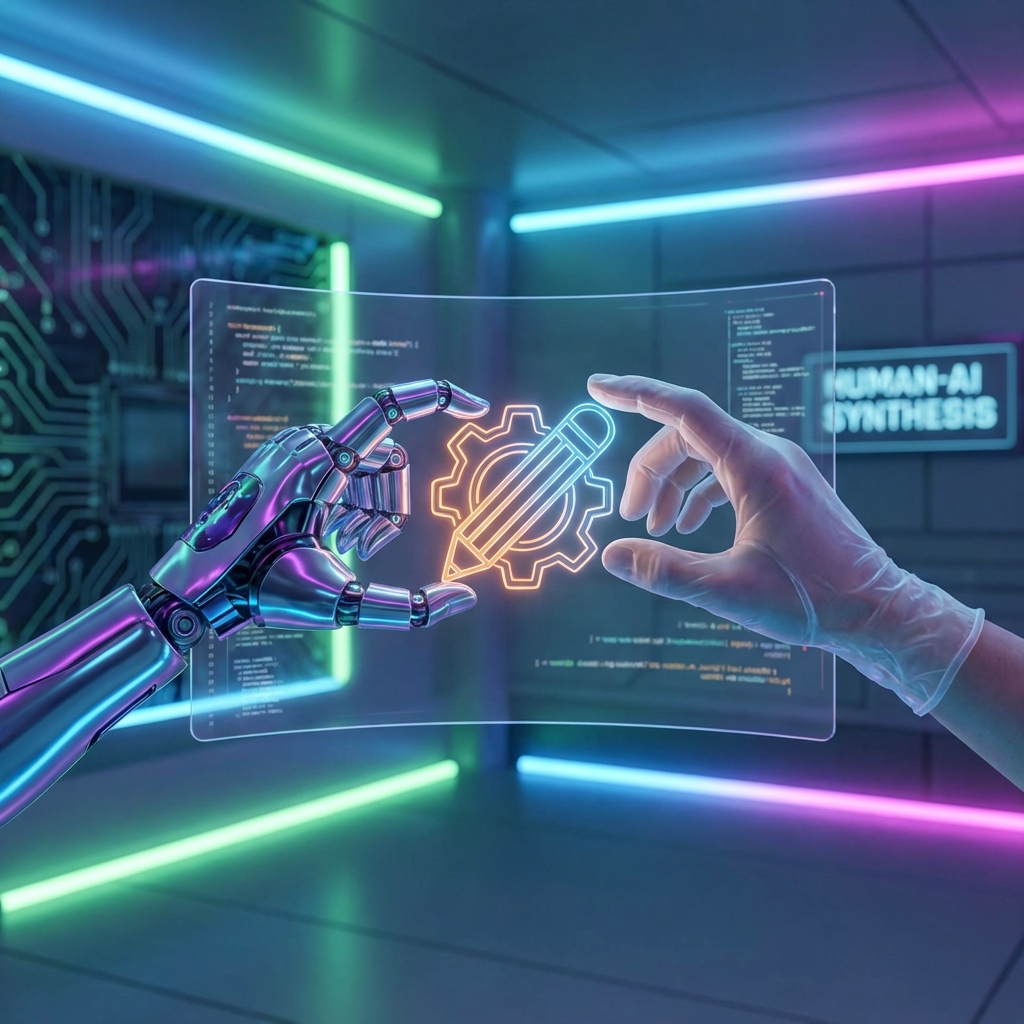
Icora offers two distinct engines for converting raster images (JPG/PNG) into vectors (SVG).
Local Tracer (Potrace)
This runs entirely in your browser. It is fast, free, and best for high-contrast, black-and-white images like logos or silhouettes.
- **Pros**: Instant, Free, Privacy-focused (no upload)
- **Cons**: Struggles with color, gradients, and low contrast
- **Best For**: Logos, simple sketches, scanned ink drawings
AI Vectorizer (Vision Model)
This uses a vision model to "see" the image and reconstruct it geometrically. It understands shapes and layers rather than just tracing pixels.
- **Pros**: Handles full color, gradients, and complex scenes. Clean geometry.
- **Cons**: Costs credits, takes 10-20 seconds
- **Best For**: Photos, digital art, complex icons
If you are unsure, try the Local Tracer first. If the result is messy, switch to the AI Vectorizer.
Try Icora FreeTags:vectorizationtracingbitmap to vectorsvg converter
Found this helpful? Share it!
Ready to Create Stunning Icons?
Put these principles into practice with Icora's AI-powered icon generator, professional studio tools, and developer-ready export.
Start Creating Free