Creating Consistent Icons
Best practices for bringing unity to your generated icon sets.
Icora Docs
Design
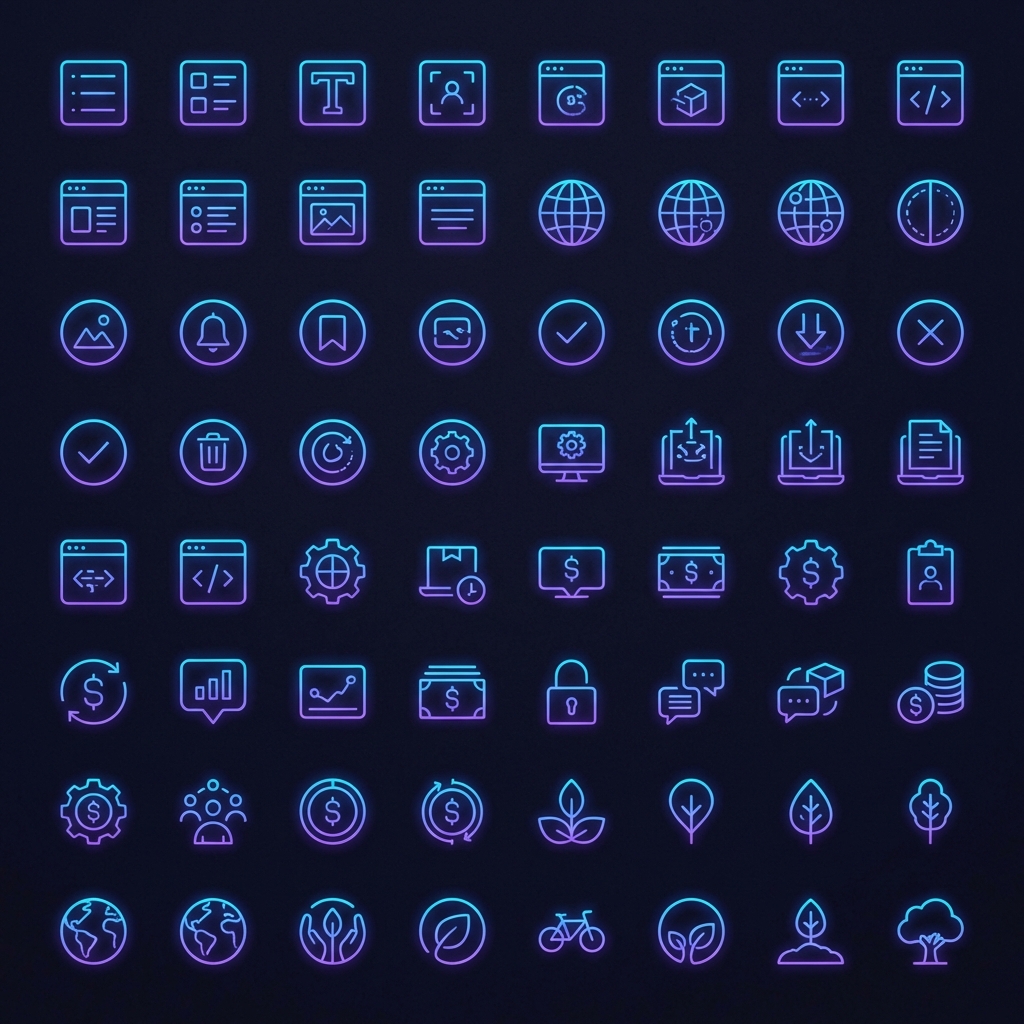
Consistency is the difference between a collection of images and a professional icon set. Here is how to achieve it using Icora.
Using the Reference Image
The most powerful way to ensure consistency is to use the "Reference Image" slot in the generator.
Pro Tip
Upload one of your approved icons as a reference. The AI will analyze its stroke weight, perspective, and color palette, and apply them to the new generation.
Standardizing Stroke Weights
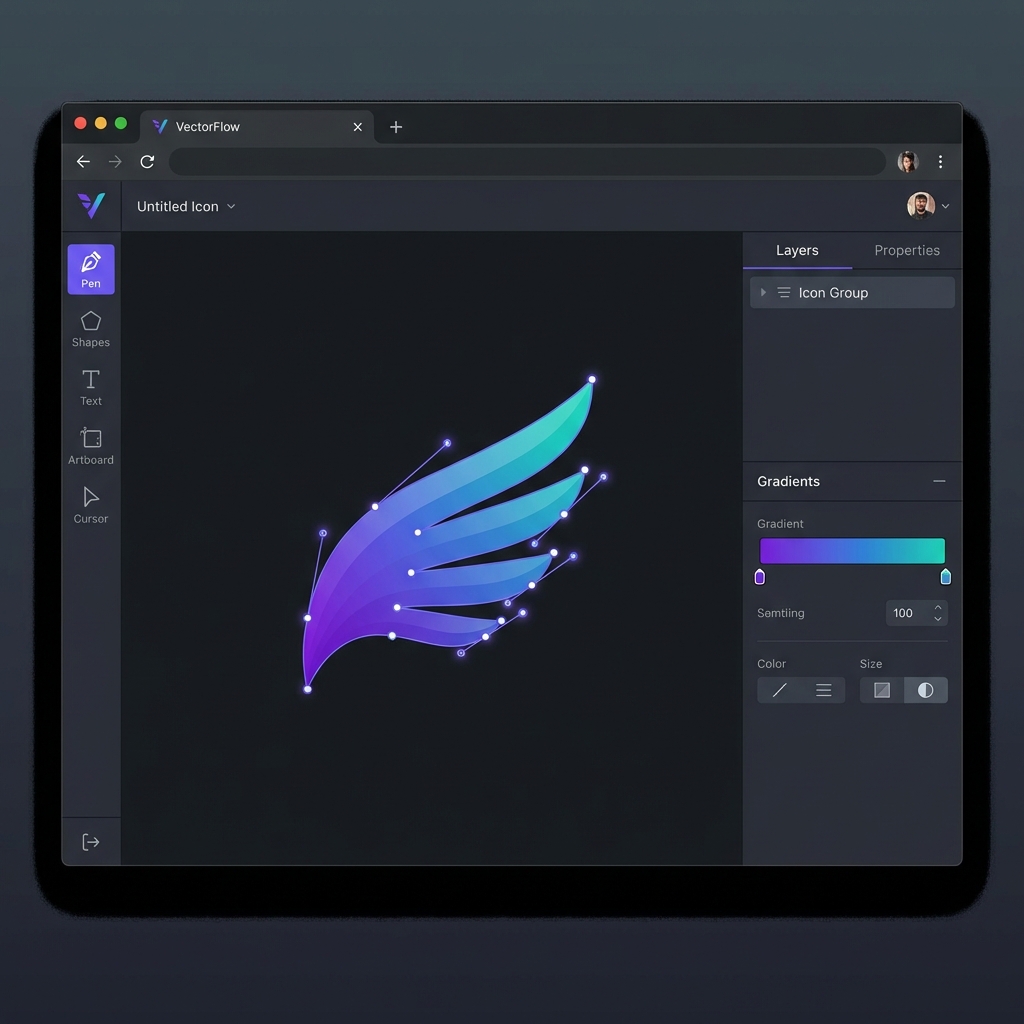
After generation, use the Studio to standardize stroke weights. Select all icons and manually set the stroke width properties to the same value (e.g., 2px).
Found this helpful? Share it!
Ready to Create Stunning Icons?
Put these principles into practice with Icora's AI-powered icon generator, professional studio tools, and developer-ready export.
Start Creating Free